
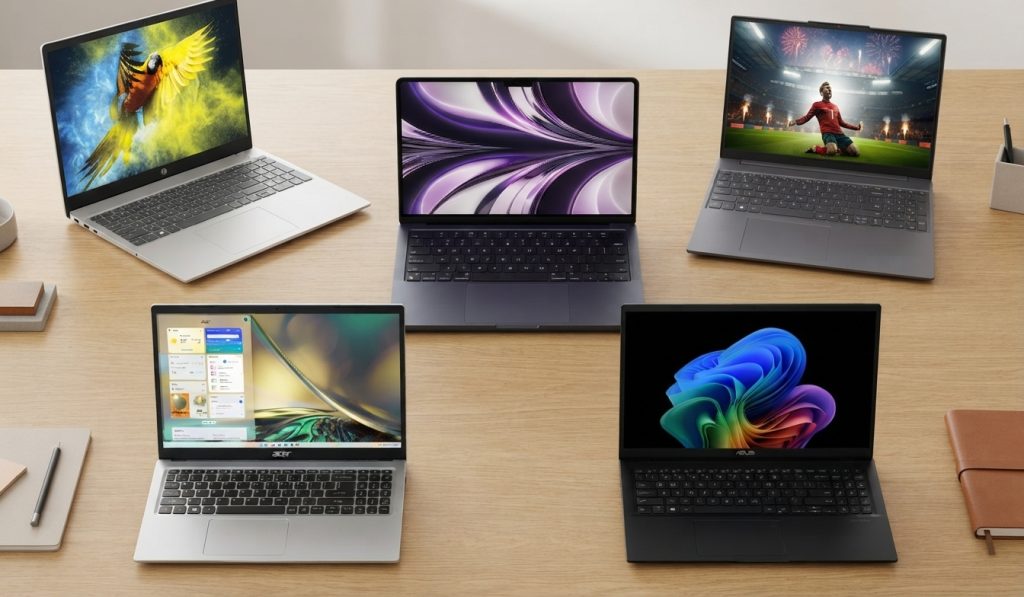
Finding the best laptop for seniors doesn’t have to feel like decoding a foreign language. When you just want to help your mom or dad stay connected with family, manage appointments, or watch their favorite shows without a computer that freezes every five minutes, shopping for hardware can be overwhelming. You get hit with a wall of confusing jargon: gigabytes, processors, operating systems, and touchscreens that cost as much as a used car.
It is easy to second-guess yourself. What if the screen text is too small? What if the keyboard is frustratingly cramped? What if you end up spending hours on the phone troubleshooting printer errors or mysterious pop-up windows?
We have been there. When my own mother wanted a computer upgrade so she could FaceTime her grandchildren without her iPad cutting out, finding something with a comfortable keyboard and a clear display took a surprising amount of digging. Older adults do not need cutting-edge gaming rigs or heavy workstations. They need reliability, a clear display, simple navigation, and hardware that does not feel like it was designed by a spaceship engineer.
In this guide, we will cut through the tech noise. You will learn what actually matters for an older adult’s daily computer use, how to avoid features you do not need to pay for, and which models stand out for comfort, durability, and ease of use.
Quick Overview: The Best Laptop for Seniors
If you’re short for time, here is a quick rundown on the best laptops for seniors. We evaluated these options based on display clarity, keyboard usability, overall speed, and how straightforward they are to set up for someone who prefers simplicity.
| Model Image | Model Name | Screen Size | Best For | Key Advantage | Action |
|---|---|---|---|---|---|
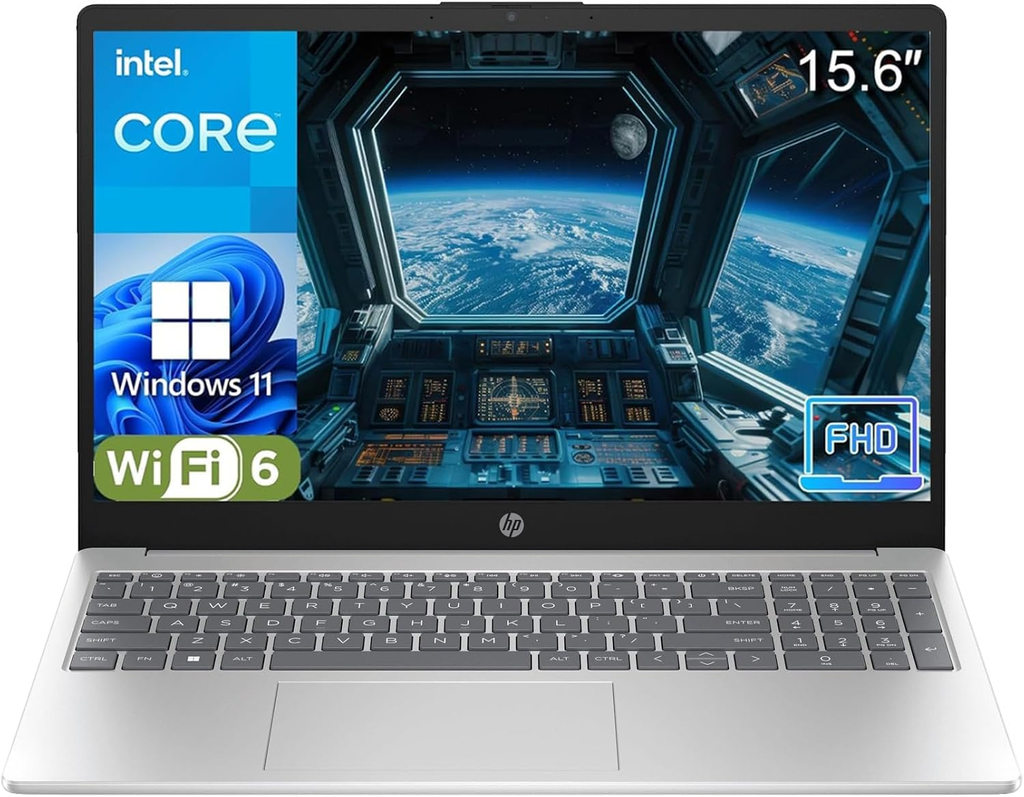 |
HP Pavilion 15 | 15.6 Inch | Everyday Value | Bright screen & numpad | Check Price → |
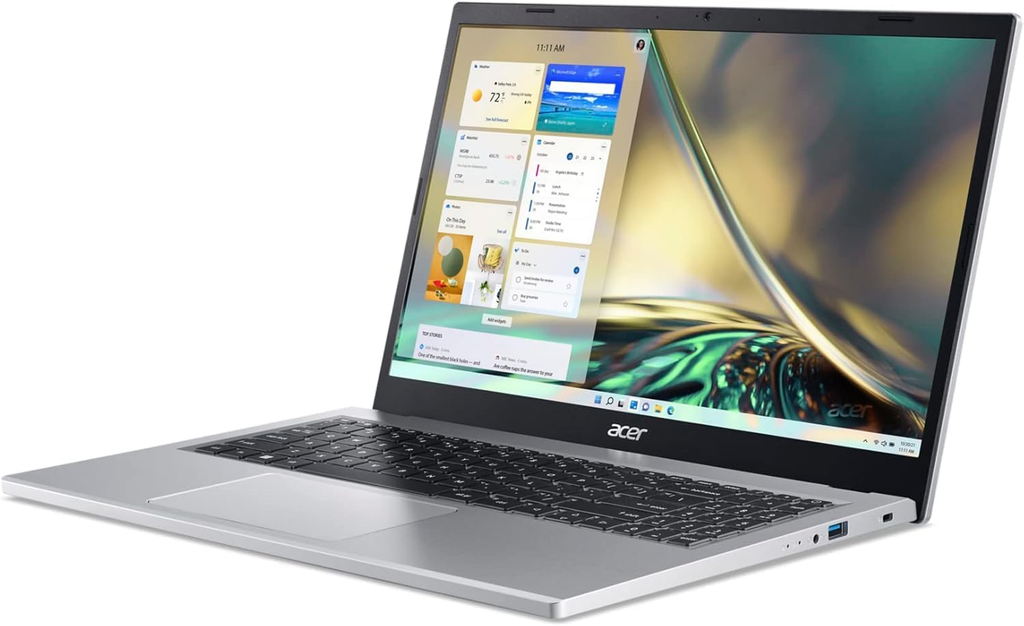 |
Acer Aspire 3 | 15.6 Inch | Budget Simplicity | Affordable & reliable | Check Price → |
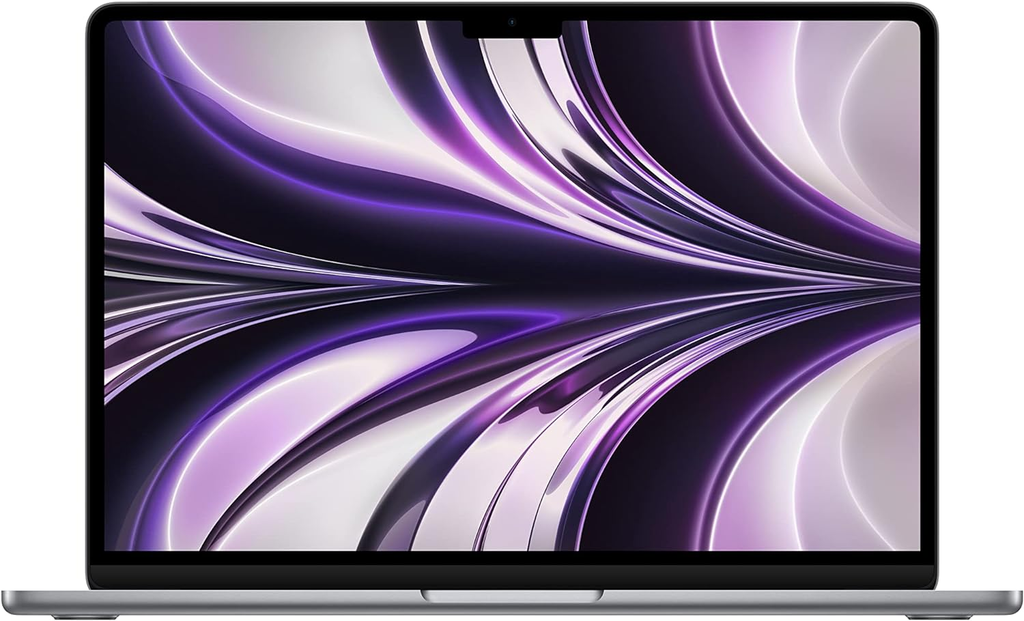 |
Apple MacBook Air | 13.6 Inch | Long-Term Ease | Virus-free simplicity | Check Price → |
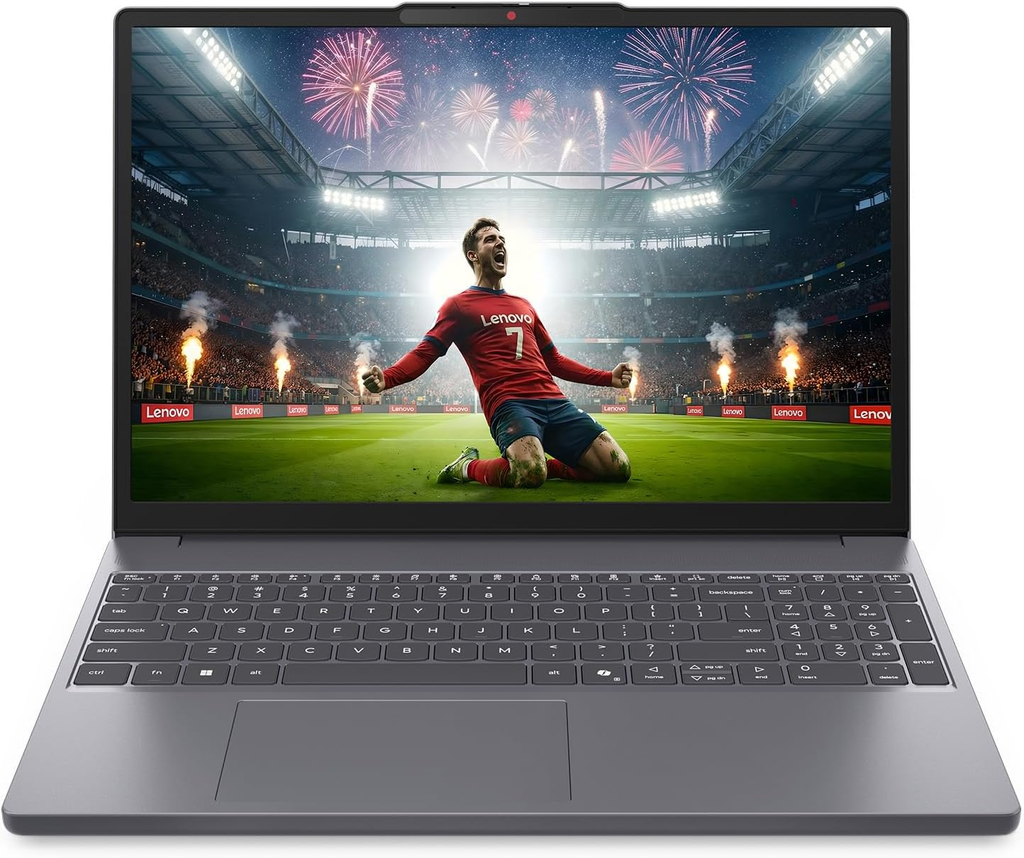 |
Lenovo IdeaPad 3 | 14.0 Inch | Lightweight Use | Portable & comfortable | Check Price → |
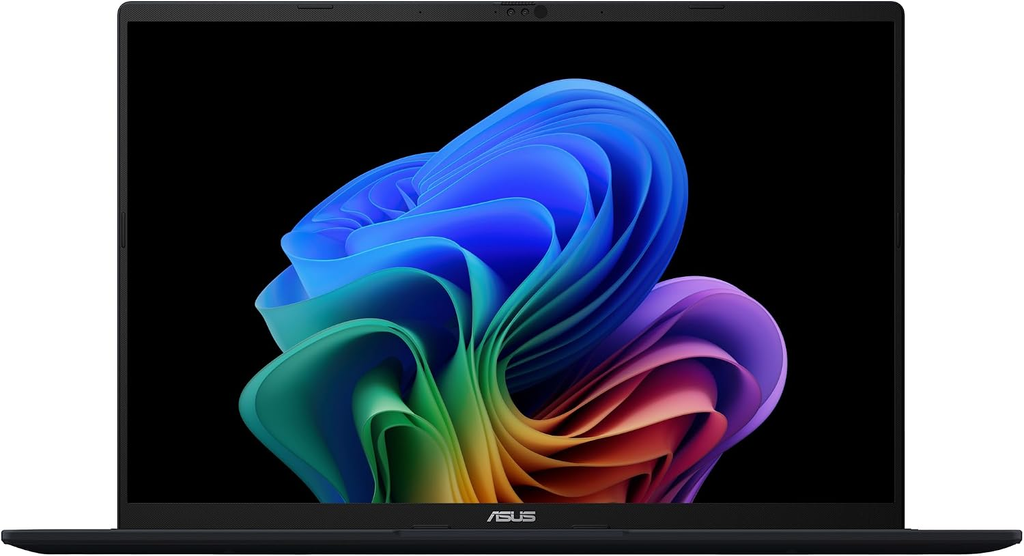 |
ASUS VivoBook 16 | 16.0 Inch | Maximum Screen | Extra-large display | Check Price → |
What Makes a Laptop Truly Senior-Friendly?

Before looking at specific brands, we need to understand what separates a frustrating computer from a genuinely accessible one. A good laptop for an older adult is built around physical and visual comfort rather than raw processing power.
Display Quality and Screen Size
Many seniors experience changes in vision, making screen clarity non-negotiable. Smaller 11-inch or 13-inch screens force people to squint or constantly zoom in, which tires the eyes quickly.
- Look for 15.6 inches or larger: This size provides enough workspace to comfortably bump up text size in the settings without cutting off web pages.
- Prioritize matte (anti-glare) screens: Glossy screens act like mirrors, reflecting overhead lights and windows, which causes severe glare and eye fatigue.
Keyboard and Trackpad Comfort
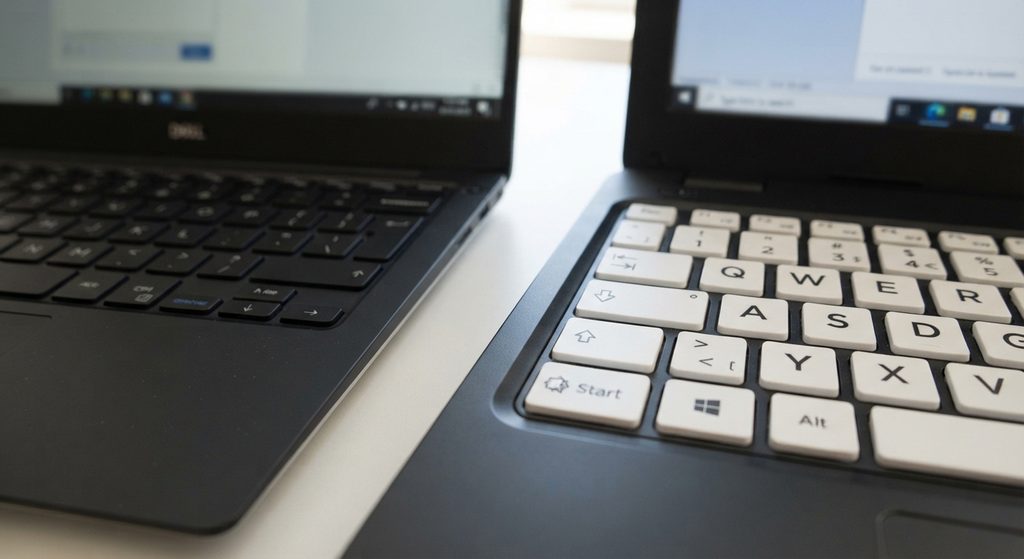
Flat, mushy keyboards with zero tactile feedback are notoriously difficult to type on, especially for anyone dealing with mild arthritis or stiff joints.
- Tactile feedback: Look for keyboards with decent key travel—meaning the keys actually press down with a satisfying, noticeable click.
- Full-size layout: A keyboard that includes a dedicated number pad is often much easier for seniors who prefer typing numbers the traditional way.
- External mouse support: While trackpads are fine, many older adults feel much more confident using a traditional wireless mouse that fits comfortably in the palm of their hand.
Speed and Reliability (The SSD Factor)
There is nothing more frustrating for a beginner than clicking an icon and waiting two minutes for something to happen. Older laptops used mechanical hard drives that spun up slowly.
Every computer on our list uses a Solid-State Drive (SSD). An SSD has no moving parts, meaning the laptop boots up in seconds and opens programs instantly. This single feature eliminates 90% of the perceived “slowness” that causes tech frustration.
The 5 Best Laptops for Seniors
A balanced, dependable home laptop with a crisp display and a full numeric keypad that makes typing numbers effortless. The touchscreen feature adds high intuitive value for older adults.
- 15.6-inch Full HD touch display
- Intel Core i5 processor with 8GB RAM & SSD storage
- Full numeric keypad for traditional number entry
- Excellent keyboard feel and fast startup times
- Large screen allows for comfortable text scaling
- Battery life is average (around 6 hours)
The Acer Aspire 3 is a workhorse that proves you do not need to spend a thousand dollars for a reliable machine. It features a clean, uncluttered design and handles daily browsing seamlessly.
- 15.6-inch Full HD screen
- AMD Ryzen processor with fast SSD performance
- Sturdy plastic body that handles daily bumps well
- Very affordable and lightweight for a 15-inch model
- Runs cool and quiet with zero lag
- Built-in speakers are a bit tinny
While Macs have a reputation for being expensive, an older generation MacBook Air is one of the best long-term investments for seniors because macOS is famously stable and rarely plagued by malware.
- Stunning Retina screen that is exceptionally easy on the eyes
- Dead-silent fanless operation
- Incredible all-day battery life
- Rarely gets viruses or confusing update pop-ups
- Massive 15+ hour battery life
- Steeper learning curve if coming from Windows
The Lenovo IdeaPad line strikes a great balance between portability and screen space. The 14-inch model is lightweight enough to carry from room to room without feeling bulky.
- 14-inch anti-glare screen
- Physical privacy shutter over the webcam
- Comfortable rounded keycaps with deep travel
- Privacy slider provides great peace of mind
- Compact and highly portable frame
- Smaller screen requires adjusting text scaling
Steps up to a roomy 16-inch widescreen display, giving text and photos extra breathing room without taking up an entire desk—ideal for seniors with declining vision.
- 16-inch WUXGA display with a taller 16:10 aspect ratio
- ErgoLift hinge for comfortable typing angles
- Extra screen area lets fonts be made large clearly
- Exceptional for low vision and readability
- Taller screen reduces vertical scrolling fatigue
- Larger physical footprint for travel bags
Essential Setup Steps for Caregivers

Buying the right laptop is only half the battle. How you set it up on day one determines whether your parent feels empowered or overwhelmed. Follow this quick checklist before handing over the device:
- Boost the Text Size: Go into display settings and scale text up to 125% or 150% so they never have to squint at standard web pages.
- Clean Up the Desktop: Delete random manufacturer shortcuts and clutter. Leave only three clear icons: Chrome/Edge (the internet browser), Zoom/FaceTime (for family calls), and Photos.
- Install an Ad-Blocker: Pop-ups and misleading banner ads are the #1 cause of accidental malware clicks for seniors. Install a reliable browser extension like uBlock Origin to keep their browsing safe and clean.
- Save Frequent Passwords: Use a built-in browser password manager so they do not have to scribble credentials on scraps of paper or call you every time they try to log into their bank or email.
- Set Up Remote Access: Install a trusted tool like TeamViewer or Chrome Remote Desktop. If they call you saying “nothing is working,” you can log in from your own home and fix it in two minutes.
Final Thoughts on The Best Laptop for Seniors

Helping an aging parent embrace technology does not have to be an uphill battle. The secret is removing obstacles before they even touch the keyboard—choosing a bright screen, ensuring the keys have a satisfying click, and keeping the desktop free of clutter.
Take your time during setup, keep your instructions simple and written down, and remember that patience goes further than any technical spec sheet. When they finally master video calling their grandchildren or looking up old recipes with confidence, every minute of setup is worth it.
Frequently Asked Questions: Best Laptop for Seniors
1. Should I buy a Chromebook or a Windows laptop for an older adult?
Chromebooks are fantastic for simplicity because they run on Google’s ChromeOS, meaning no complicated virus scans, background updates, or messy software installations. However, if your parent needs to run specific traditional desktop software, print to an older legacy printer, or manage complex local tax files, a standard Windows laptop or MacBook is usually a safer bet.
2. How much RAM does a senior’s laptop actually need?
Stick to a minimum of 8GB of RAM. While 4GB laptops are cheaper, they crawl to a halt the moment two browser tabs and a video call are open at the same time. Investing in 8GB ensures the computer stays fast and frustration-free for years.
3. Is a touchscreen necessary for an older adult?
It is not strictly required, but many seniors who grew up using smartphones and tablets find touchscreens wonderfully intuitive. Being able to tap a photo to open it or scroll a page with a finger bridges the gap between mobile devices and traditional computers.
4. What is the best way to prevent seniors from clicking scam pop-ups?
Beyond installing an ad-blocker, have a calm conversation about digital safety rules: remind them that banks, government agencies, and Microsoft will never lock their computer screen and ask them to call a random phone number. Setting user accounts properly so they cannot install unauthorized programs also provides a safety net.
5. How can I help my parent adjust to a new computer without getting frustrated?
Patience is everything. Sit down together for a relaxed 30-minute walkthrough, and let them drive the mouse or keyboard while you guide them verbally. Write down step-by-step instructions in a large font notebook for tasks they do frequently, such as checking email or joining a video call.
6. Are refurbished laptops a smart choice to save money?
Yes, certified refurbished laptops from reputable sellers or manufacturers can save you 30% to 50% while offering enterprise-grade build quality. Just ensure the listing includes an SSD drive and a minimum one-year warranty.
7. How do I make the mouse easier for someone with arthritis?
Standard laptop trackpads require precise finger gestures that can aggravate stiff joints. Purchase an ergonomic wireless mouse with a high-profile arch that fits snugly in the hand, making pointing and clicking effortless.
8. What is the average lifespan of a modern budget laptop?
With normal use for web browsing, streaming, and email, a modern laptop with an SSD should comfortably last between 4 to 6 years before feeling sluggish or failing to support modern security updates.