
Remembering when to take your pills, dealing with tiny buttons on a smartphone, or squinting at a remote control can turn simple daily tasks into frustrating chores. If you prefer to keep your independence at home without struggling against complicated technology, you are not alone.
Many older adults find modern gadgets exhausting. You might wonder if smart home devices are just confusing toys for grandchildren, or if they can genuinely make your daily life easier, safer, and more comfortable.
Amazon Alexa for seniors offers a simple, voice-controlled way to manage your home without needing screens, keyboards, or small print. This guide shows you how voice assistants work, which devices fit your lifestyle best, and how to set up helpful daily routines.
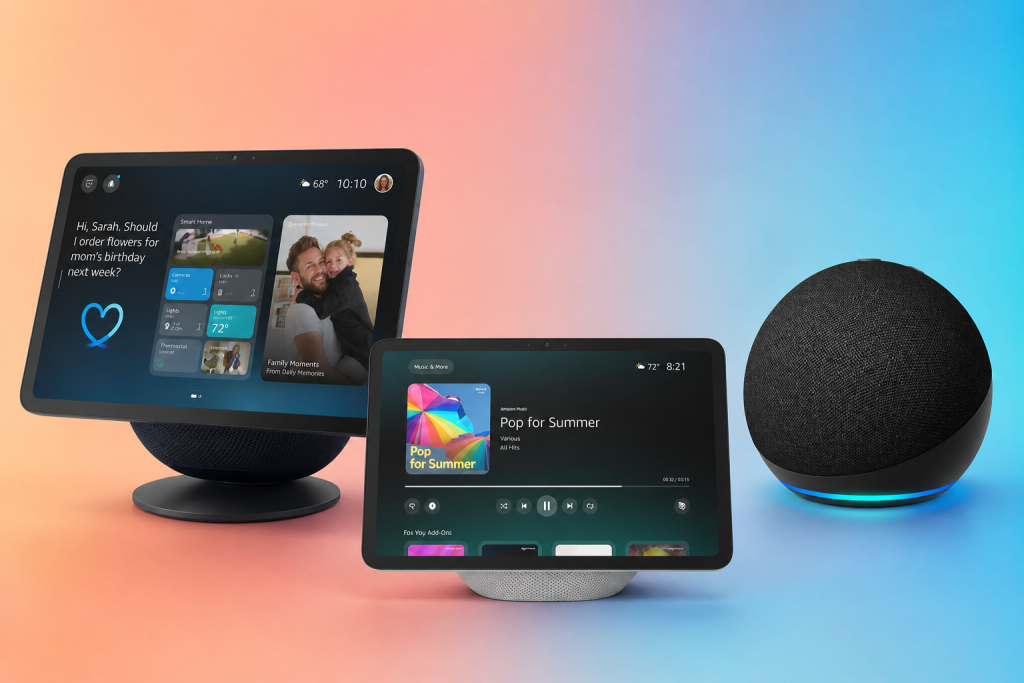
Quick Overview: Comparison of Popular Amazon Echo Devices
Short on time? Choosing the right Alexa device doesn’t have to be complicated.
Here is how they stack up at a glance:
Why Voice Technology Beats Traditional Gadgets
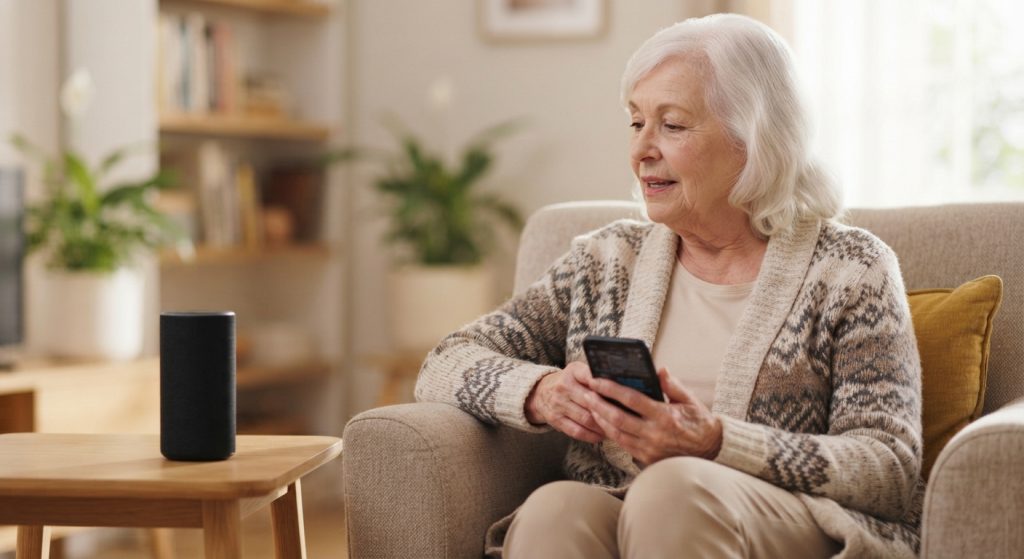
Traditional technology expects a lot from your eyes and hands. Smartphones require swiping, typing on glass keyboards, and remembering passwords. If you live with arthritis, hand tremors, or low vision, these barriers make simple communication a hassle.
Voice technology changes that completely by letting you use the tool you already have: your voice.
When you can simply speak to the room to turn on a lamp, check the weather, or call a family member, you stay in control. You do not need to get up from your favorite chair to adjust a thermostat or squint across the room to check the time.
Choosing the Right Alexa for Seniors Device for Your Home
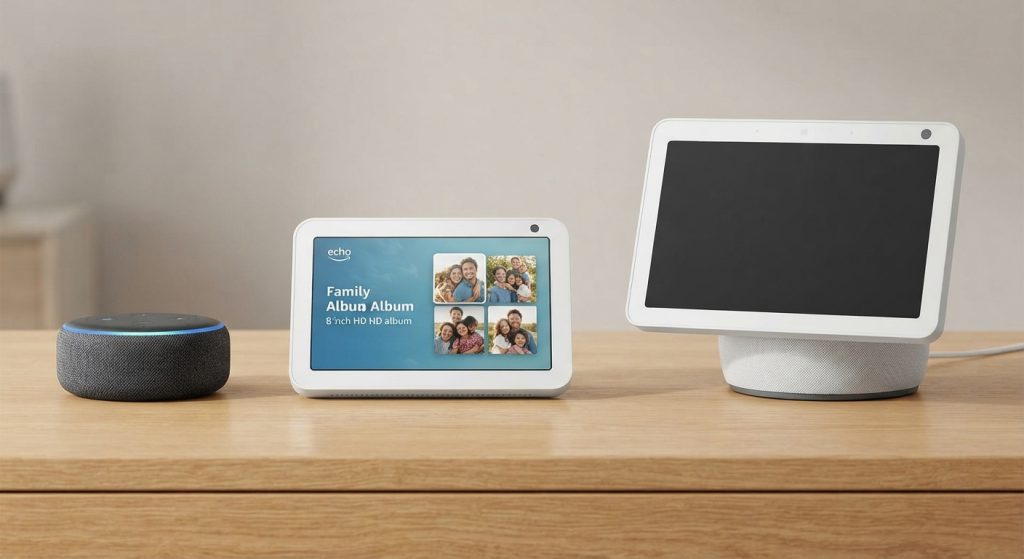
Amazon makes several types of Echo speakers. Choosing the right one depends on what you want it to do and where you plan to put it.
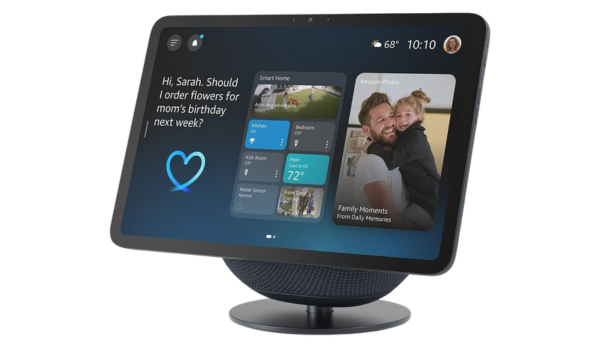
Amazon Echo Show 8
When family members call you using video, the screen lights up instantly without requiring you to push buttons. You can also view rotating photo albums of your family right on the counter.
It requires a spot on your kitchen counter or end table near an outlet.
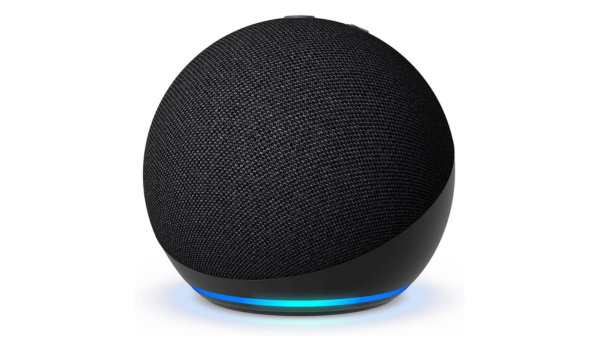
Echo Dot (5th Gen)
It takes up almost no space, costs very little, and fills the room with clear sound when you ask a question.
It has no screen, so it relies entirely on voice answers.
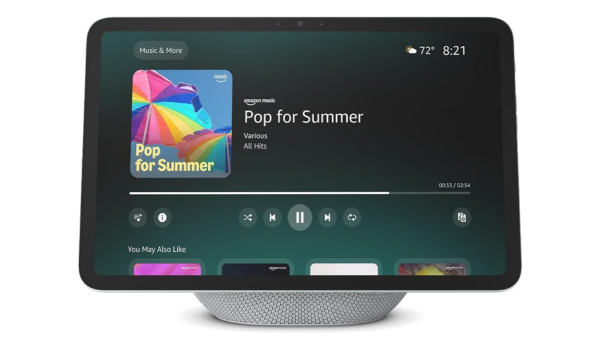
Amazon Echo Show 11
Features an expansive display and upgraded smart home hub capabilities, providing a clear, immersive view for media streaming, digital photo frames, and family video chats.
Due to its larger screen size, it takes up a bit more tabletop space and is a premium investment compared to smaller bedside units.
Safety and Emergency Features for Peace of Mind
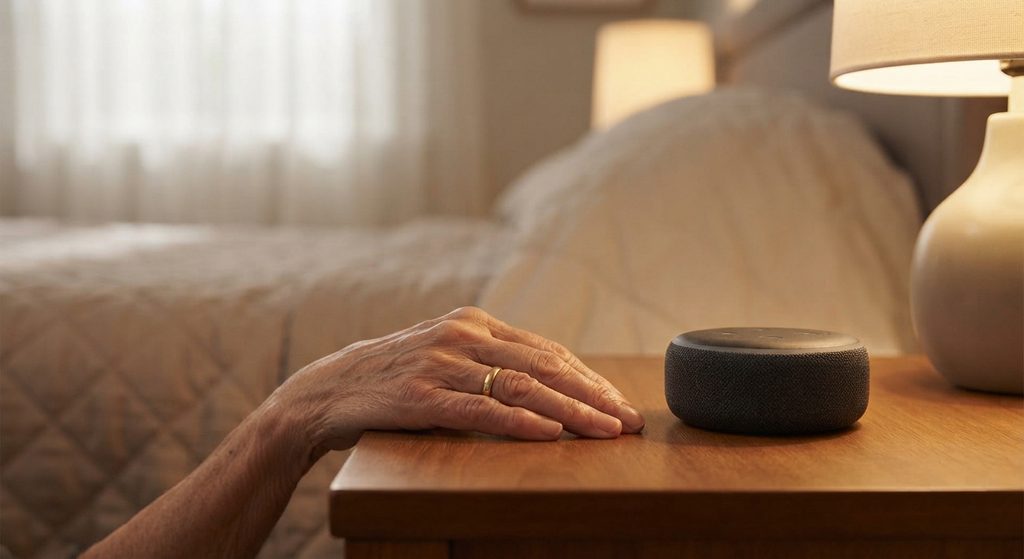
While smart speakers do not replace traditional medical alert pendants for every emergency, they offer a reliable backup when you need assistance quickly.
Setting Up Emergency Help
You can set up features that connect you to emergency services or designated family members using only your voice.
- The Command: You can simply say, “Alexa, call for help,” or ask it to contact a specific family member.
- Why it matters: If you trip, fall, or cannot reach your landline phone, you do not need to remember a ten-digit number or fiddle with small buttons.
Tip: Practice using the voice command once or twice with a family member so you feel completely comfortable with how it works.
Connecting Easily with Family
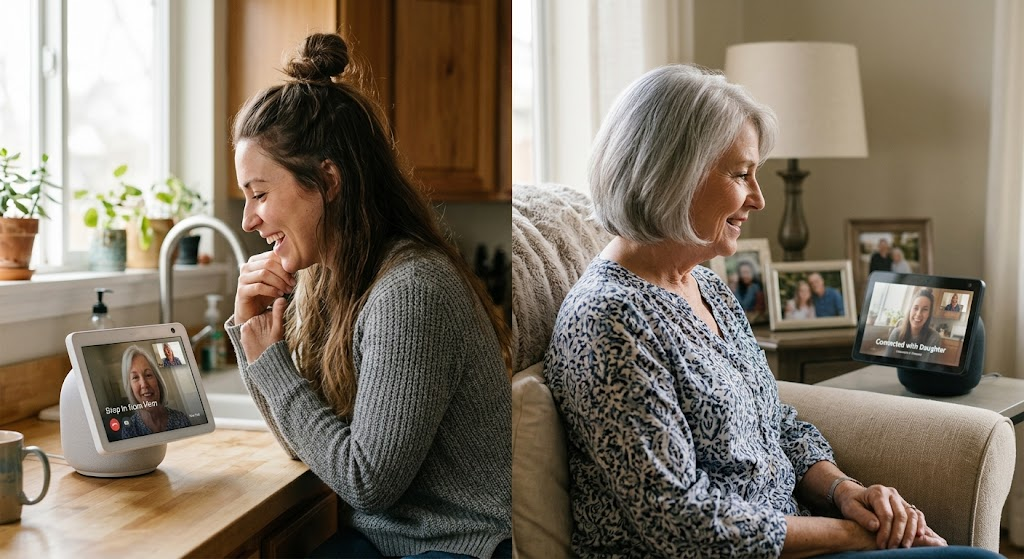
The “Drop-In” feature lets your children or close family members check in on you instantly without you needing to scramble across the room to pick up a ringing phone. Think of it like an intercom system that keeps you connected to the people you love.
Smart Lighting & Fall Prevention
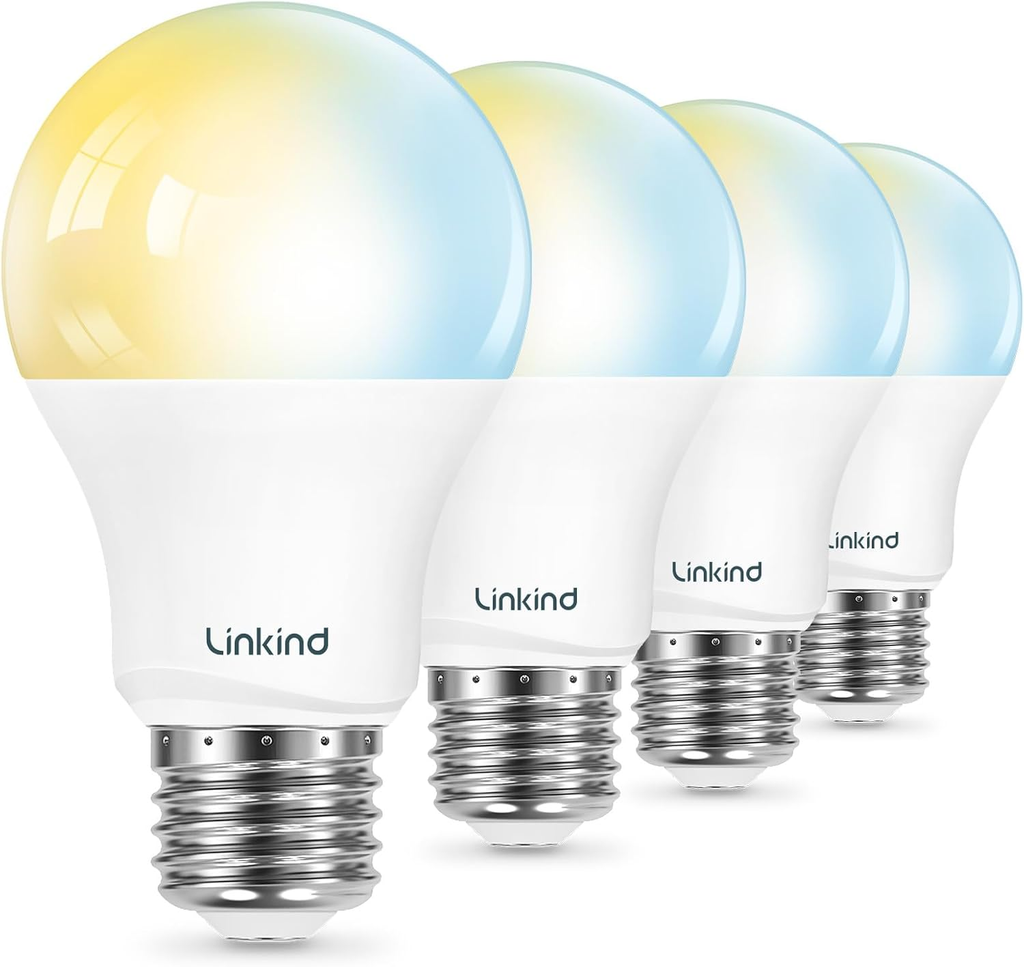
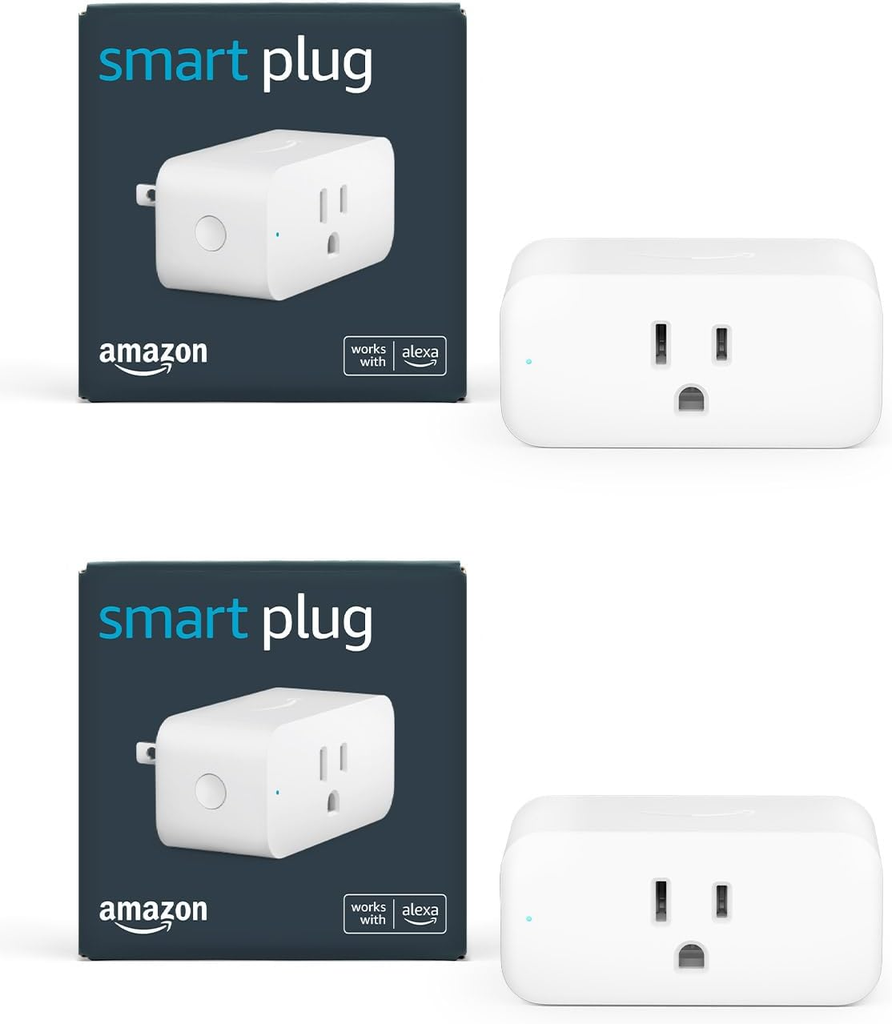
Placing inexpensive smart plugs or smart bulbs on hallway and bedside lamps enables commands like “Alexa, turn on the hallway light” to illuminate pathways instantly, helping prevent nighttime trips and falls in the dark.
Setting Up Daily Routines to Make Life Easier
Routines let you automate tasks so you do not have to remember multiple steps every day.
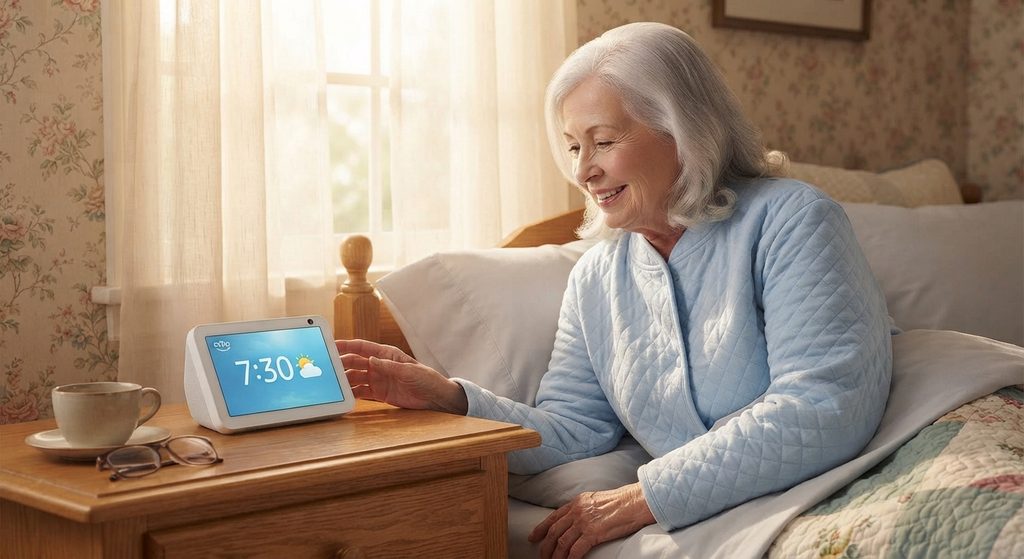
1. The Morning Routine
Instead of turning on lamps one by one, you can set a routine to start with a single phrase like, “Alexa, good morning.”
- What it does: Alexa can turn on your bedside lights to a gentle brightness, read the local weather forecast, and play your favorite morning music station.
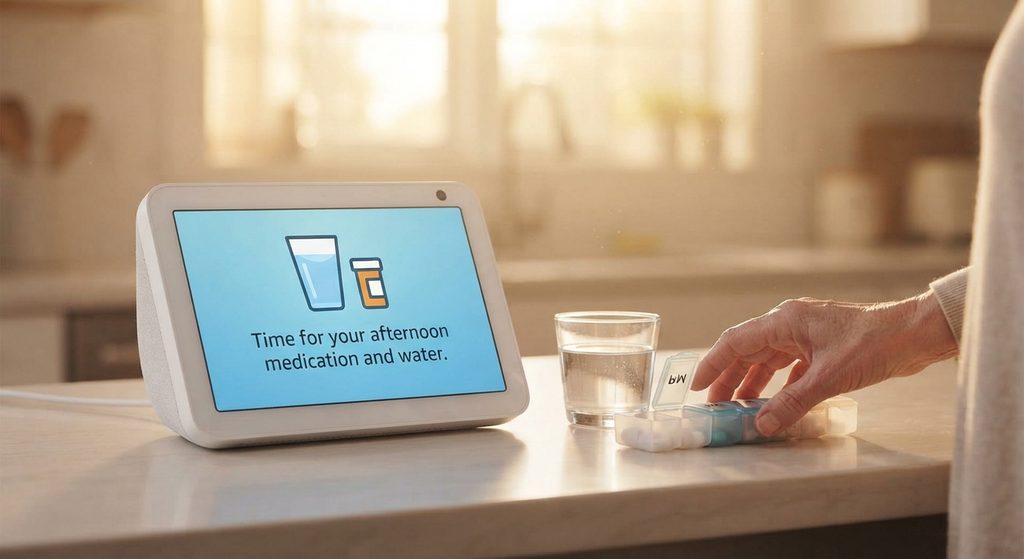
2. Medication and Water Reminders
It is easy to lose track of time during the day. You can ask a family member to help you program custom reminders.
- How it works: Alexa will chime and announce a friendly reminder aloud, such as: “Time to take your afternoon medication with a glass of water.”
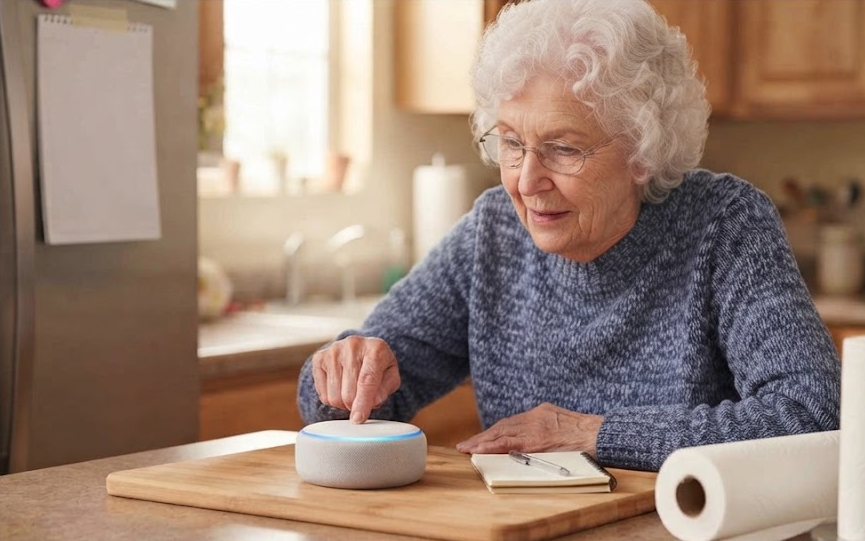
3. Grocery and Shopping Lists
Make household management effortless by adding items to a shared household list just by saying, “Alexa, add milk to the shopping list,” which family members can instantly see on their smartphones when they head to the grocery store.
4. Integration with Smart Thermostats & Doorbells
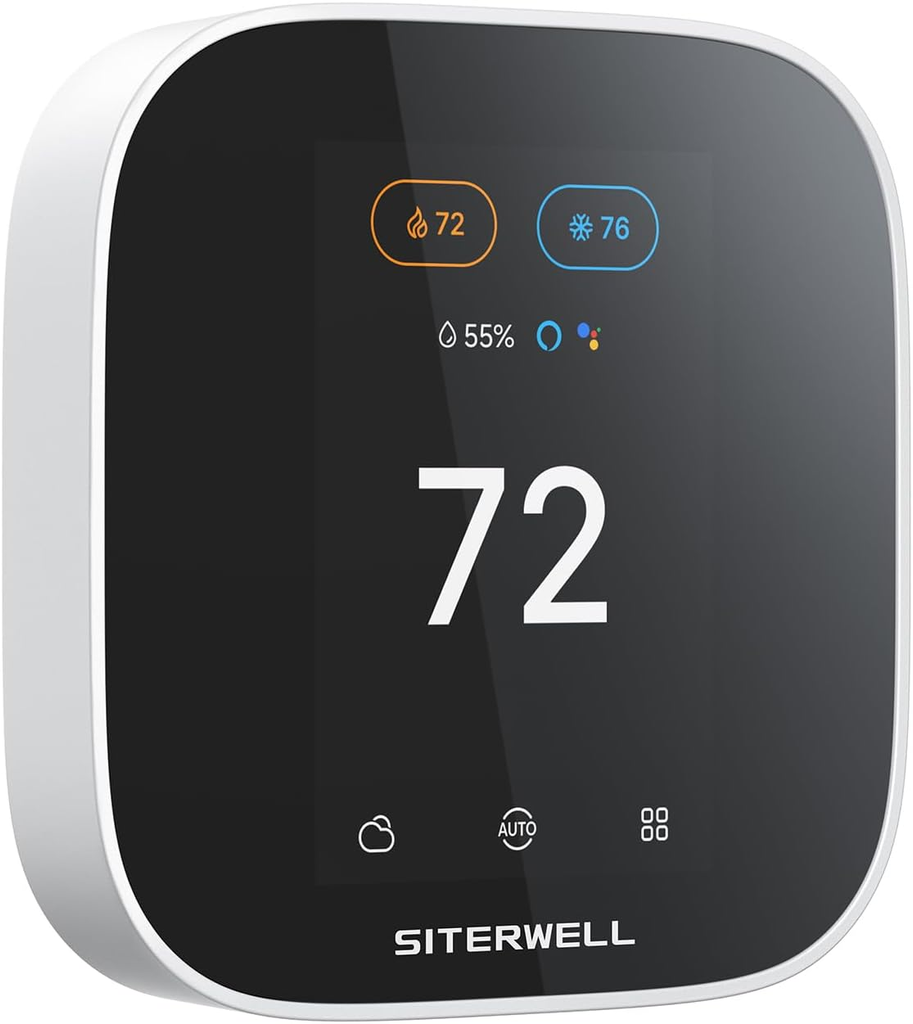
- Smart Thermostats: Link Alexa to a compatible smart thermostat (like an Echo-compatible Ecobee or Nest) so you can adjust your home temperature simply by saying, “Alexa, set the living room to 72 degrees” without needing to fiddle with tiny wall dials.
- Smart Doorbells: An Echo Show can automatically display who is at the front door when someone rings a compatible video doorbell (like Ring), allowing you to see visitors without getting up.

5. Entertainment & Cognitive Engagement
Keep mentally active and entertained by using Alexa to play trivia games, listen to audiobooks via Audible, stream favorite classic radio stations, or keep up with daily news briefings.
Honest Limitations: What Alexa Cannot Do
It helps to know what a smart speaker cannot do so you can plan your home safety wisely.
Final Thoughts: Embracing Help Without Losing Independence

Deciding to bring a smart assistant into your home—or setting one up for a parent you love—is never really about the technology itself. It is about dignity, safety, and peace of mind.
For years, I watched family members struggle with tiny smartphone screens, complicated television remotes, and the quiet frustration of feeling like independence was slowly slipping away. What makes tools like Alexa special is how completely they flip that dynamic. Instead of forcing an older adult to adapt to rigid, exhausting technology, the technology adapts to them—waiting quietly in the corner, ready to help the second they speak.
You don’t need to transform your entire home into a futuristic sci-fi set overnight. Start with something simple, like a single Echo Dot on a bedside table to check the morning weather or play a favorite song. Taking that small step can open the door to a safer, more connected daily routine—proving that sometimes, the biggest leap forward is simply using the voice you’ve always had.
Frequently Asked Questions
Is Alexa difficult to learn if I am not tech-savvy?
No, because it requires no typing, swiping, or menu navigation. You only need to speak naturally, just as you would talk to a guest in your living room. Most people start by asking for the weather or playing their favorite music and catch on quickly.
Can Alexa call 911 directly without extra setup?
Standard Alexa devices cannot dial 911 on their own out of the box. You need to configure an optional service like Alexa Emergency Assist or link the device to a compatible emergency response plan to use voice-activated 911 calling.
Do I need to manage the device settings myself?
Not necessarily. A trusted family member can set up the device for you and even manage your contacts and reminders remotely from their own smartphone, saving you from any setup headaches.
How do I stop accidental activations?
Sometimes a television show or casual conversation sounds similar to the wake word “Alexa,” causing the speaker to light up. You can easily ask a family member to change your device wake word to “Echo” or “Computer” to prevent false triggers.
Can multiple family members connect to my device?
Yes. You can allow trusted children or relatives to connect with you through your Echo device so they can check in or send voice messages to keep you company throughout the week.
What happens to my privacy when using Alexa?
Amazon records voice interactions to process commands. If privacy is a concern, you can press the physical mute button on top of the Echo device whenever you want complete quiet, turning off the microphone entirely.
Will Alexa work if my voice is soft or raspy?
Modern Echo units feature powerful microphones designed to pick up sound clearly across a room. However, if you have vocal cord conditions or conditions that make speaking difficult, physical buttons or traditional phones remain reliable backups.
Where is the best place to put an Echo device?
Place the device in the room where you spend the most time, such as the kitchen or living room. If you want extra security at night, placing a small Echo Dot on your bedside table ensures you can ask for help or check the time without getting out of bed in the dark.