
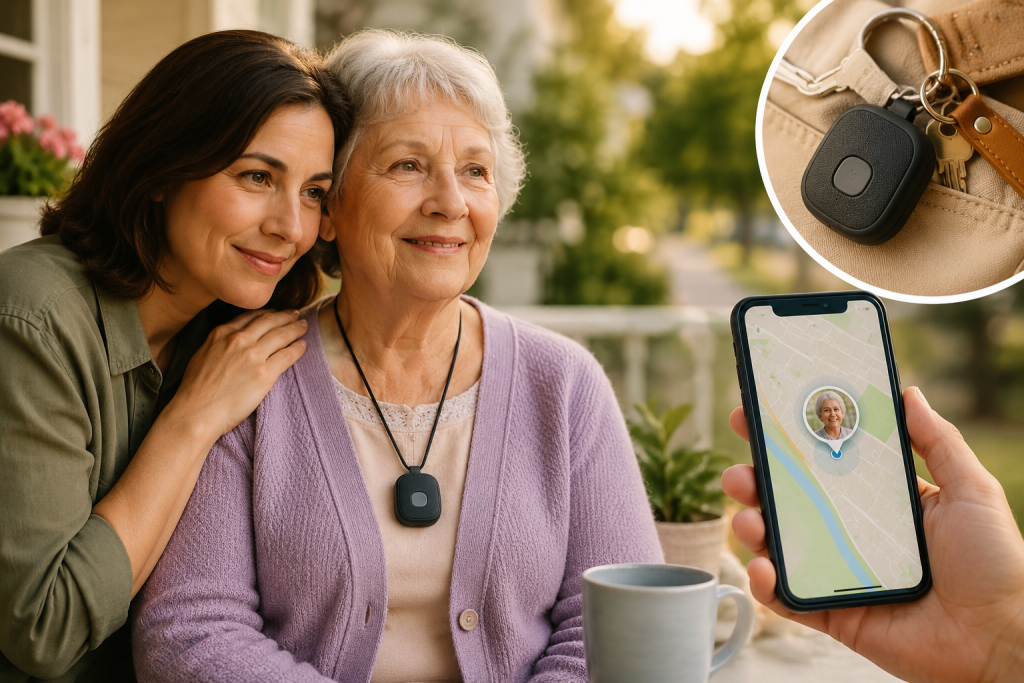
Last spring, my 78-year-old mom walked to the local corner grocery store. It’s a route she has walked literally thousands of times. But that afternoon, something in her brain misfired. She turned left instead of right.
Four hours later, a kind stranger called 911 after finding her sitting in a strip mall parking lot miles away, deeply confused and unable to remember her home address.
Physically, she was fine. Mentally, I didn’t sleep a full night for a month.
That terrifying afternoon forced me into the world of caregiving realities. According to the Alzheimer’s Association, over 60% of people living with dementia will wander at least once. But it isn’t just dementia; about a quarter of all seniors experience sudden disorientation during routine tasks like driving or walking.
I quickly learned that gps tracking devices for seniors don’t stop a loved one from wandering. What they do do is shrink the panic window—turning hours of driving around the neighborhood in tears into a 30-second check on your phone.
If you are currently lying awake worrying about your own aging parent, here is everything I wish someone had told me before I started shopping.
The Huge Mistake I Almost Made: Bluetooth Tags vs. Real GPS
When I first started looking for a solution, I wanted something cheap and easy. I bought a standard Bluetooth item finder—the kind you put on your keys. Big mistake.
Here is the difference I learned the hard way:
- Bluetooth Trackers: These don’t actually have GPS chips. They rely on being within 30 to 50 feet of someone else’s smartphone to bounce a signal back to you. If your parent wanders into a quiet park or a suburban street at dawn, a Bluetooth tag is useless.
- Cellular GPS Tracking Devices for Seniors: These use actual satellites to pinpoint location and cellular networks to send that data straight to your phone. They work anywhere there is cell service. They do cost more upfront and require a small monthly data plan (usually $8 to $25), but they give you real-time coordinates, geofencing, and SOS buttons.
When it comes to your parent’s safety, don’t skimp. Skip the key-finder tags and go straight to a dedicated cellular GPS device.
5 Features You Actually Need (and 1 That’s a Bonus)
When you look at spec sheets online, the feature lists are overwhelming. After a year of caregiving, these are the only features that actually matter in day-to-day life:
1. A Physical SOS Button
If Mom gets scared or takes a fall, she needs to be able to press one clear, physical button that alerts my phone instantly. Do not get a device where the emergency feature is buried in a digital screen—arthritic fingers need a real button to push.
2. Geofencing (Safe Zones)
This is a lifesaver. I drew a digital circle around Mom’s house and her neighbourhood church on a map. If she steps outside of those boundaries, my phone instantly buzzes. This lets me intervene in the first five minutes of a wandering episode rather than hours later.
3. Fall Detection
Seniors who live independently face a massive risk of falling and being unable to call for help. Built-in sensors can detect a sudden impact… (This is a feature I specifically made sure to look for, and it’s standard on advanced dedicated units like the ShadowTrack
4. Realistic Battery Life
If a device dies because you forgot to charge it, it’s just a plastic paperweight. Look for portable devices that last at least 7 to 15 days on a charge, or consider a car-based tracker if your parent is still driving.
5. Two-Way Voice Calling
Some advanced trackers act like a tiny, wearable phone. If I see Mom has wandered, I can call the tracker directly. Hearing my voice calm her down through a speaker right on her chest is incredibly grounding when she’s disoriented.
Choosing the Right Style for Your Parent
The best tracker in the world won’t work if your parent refuses to wear it or leaves it on the kitchen counter. You have to match the device to their daily habits.
- The Clip-On / Pocket Insert: These are small, matchbox-sized devices—exactly like the ShadowTrack—that can be tucked into the inner lining of Mom’s favourite everyday handbag, and I clipped another to her winter coat. She doesn’t even know it’s there, which eliminates any arguments about being “monitored.”
- The Pendant: Worn around the neck. Great if they are already used to a medical alert button, but some seniors dislike them because they feel it looks “old” or institutional.
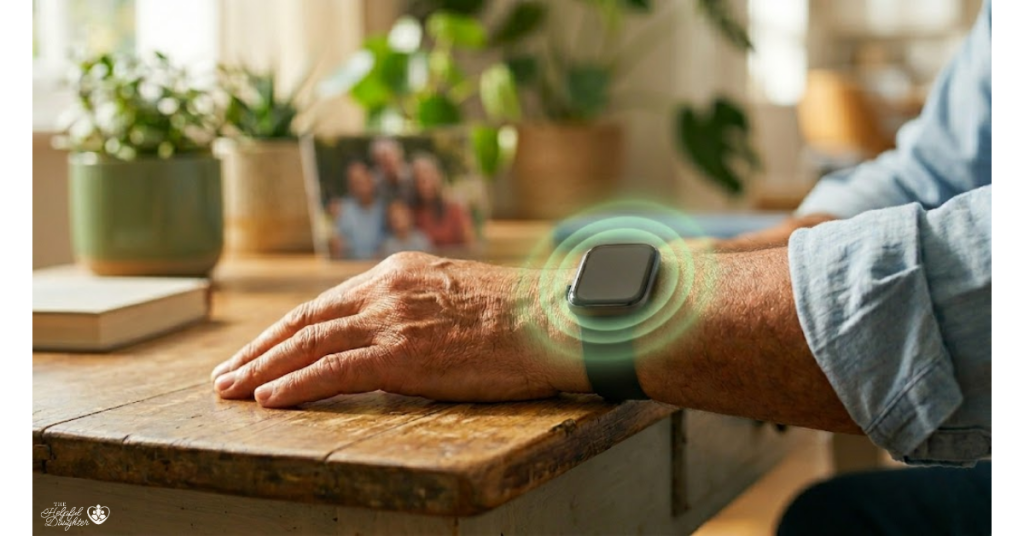
- The Smart Watch: Perfect for active seniors who already wear a wristwatch out of habit. The downside is they usually need to be charged every single night.
- The Car Tracker (OBD-II): If your primary worry is your dad or mom getting lost while driving, these plug directly into the port under the steering wheel. They never need charging and stay completely invisible.
The Solution That Checked Every Box for Us: ShadowTrack
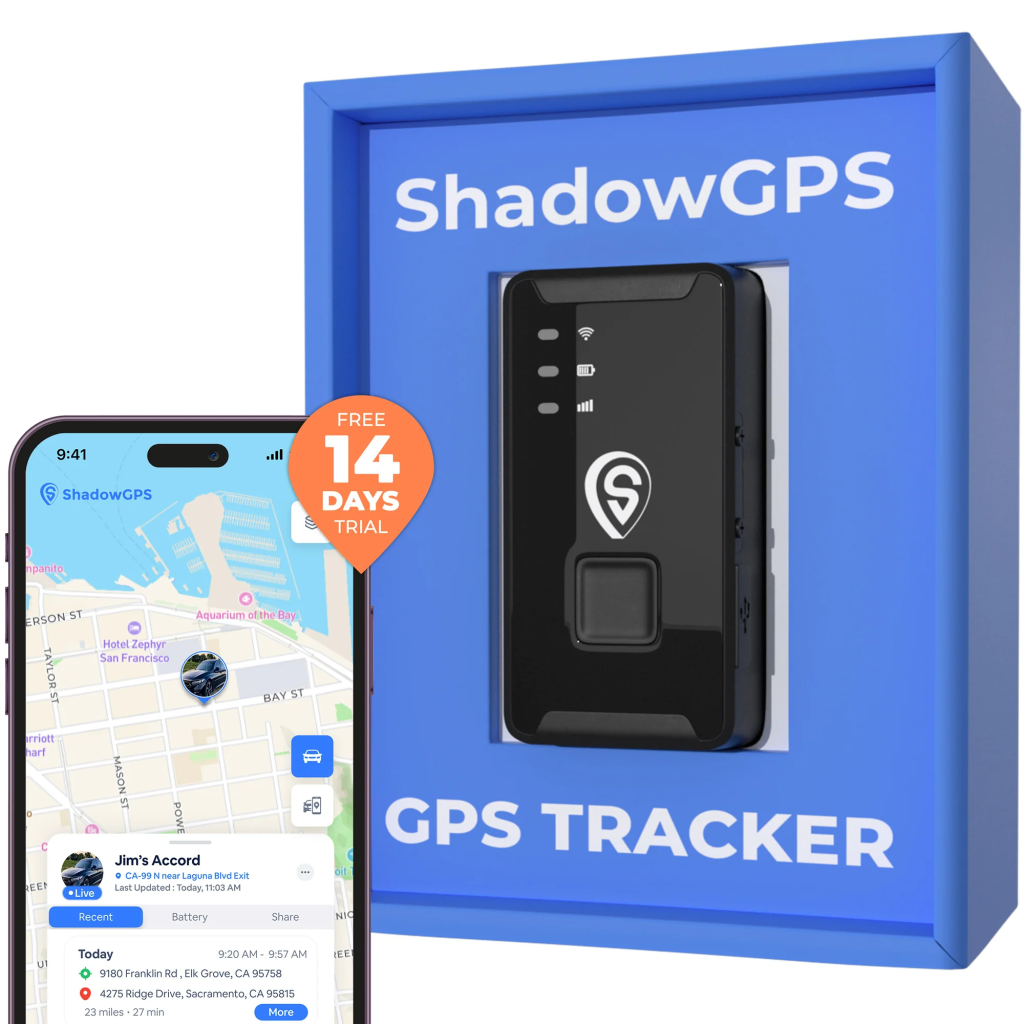
After testing multiple styles and panicking over short battery lives, I finally found a device that balanced absolute reliability with the discretion my mom needed: the ShadowTrack Cellular GPS Tracker.
What really sold me on this specific device was how easily it fit into her routine. Because it’s compact and lightweight, I was able to easily use it as a pocket insert and slip it right into her purse. It handles real-time cellular tracking flawlessly across the country, features built-in fall detection, and lets me map out our neighborhood geofences so my phone alerts me the second she goes a block too far.
If you’re tired of guessing which features actually work in real life, ShadowTrack cuts through the noise and delivers exactly what a worried daughter needs: real-time accuracy without making your parent feel managed.
How to Have the Conversation Without Hurting Their Dignity
This was the hardest part for me. My mom is a fiercely independent woman who raised three kids on her own. Handing her a tracker and saying, “I’m watching you” would have broken her heart.
Instead, I framed it around my own feelings.
“Mom, my anxiety has been really high lately, and I worry about you when I’m at work. It would give me so much peace of mind if you’d try carrying this little device for a week so I know you’re safe. I’ll even share my phone location with you, too, so we can check on each other.”
By making it about my worry rather than her capability, she happily agreed to a “one-week trial.” A year later, it’s just part of her routine.
If your loved one has advanced dementia and cannot consent, you have to act in their best interest as their legal proxy or guardian. Hide the device safely in a bag or sew it into a jacket lining. It’s not about spying; it is about keeping them safe.
The Bottom Line

A good setup—including the device and a year of service—will run you anywhere from $150 to $350. When you consider that a single ambulance ride or emergency room visit can easily top $2,000, a GPS tracker is a financial no-brainer.
But beyond the math, it’s about the mental weight. As caregivers, we carry so much invisible stress. Investing in a reliable tracking device doesn’t mean you are hovering—it means you are building a safety net that lets your parent keep their independence while giving you back your peace of mind.
Frequently Asked Questions
Do GPS tracking devices for seniors require a monthly fee?
Yes, dedicated cellular GPS trackers require a monthly subscription plan (typically ranging from $8 to $25 per month). This fee covers the cost of the cellular data needed to send your parent’s real-time location from the device directly to your smartphone app, no matter how far they wander.
Can I use an AirTag or a tile tracker instead of a real GPS device?
While Bluetooth tags are cheap and don’t have monthly fees, they are not reliable for senior safety. They rely on being within 30 to 50 feet of another compatible smartphone to broadcast their location. If your parent walks into a quiet park, a vacant lot, or a less-traveled suburban street, a Bluetooth tracker won’t be able to update their location. For true peace of mind, dedicated gps tracking devices for seniors that use satellite networks are highly recommended.
How do I choose between a wearable tracker and a bag insert?
It completely depends on your parent’s routine and cognitive health. If your loved one is active and used to wearing a wristwatch or a medical alert pendant, a wearable is a great choice. However, if they have dementia and tend to take off or reject new jewelry, a small clip-on device hidden in their favorite purse or sewn into a jacket lining is usually much more effective.
How does the “geofencing” feature work?
Geofencing allows you to draw virtual, digital boundaries around important locations on a map (like your parent’s home, their senior center, or your own house) using the tracking app. The moment the GPS device crosses outside of that pre-set “safe zone,” your phone will receive an instant push notification or text alert so you can act immediately.
What happens if my parent refuses to wear or carry the tracker?
Resistance is very common because seniors fiercely value their independence. Try framing the device around your feelings rather than their limitations. Tell them, “Carrying this would really help ease my anxiety when I’m at work.” You can also offer to share your phone’s location with them so it feels like a mutual safety partnership rather than surveillance.