
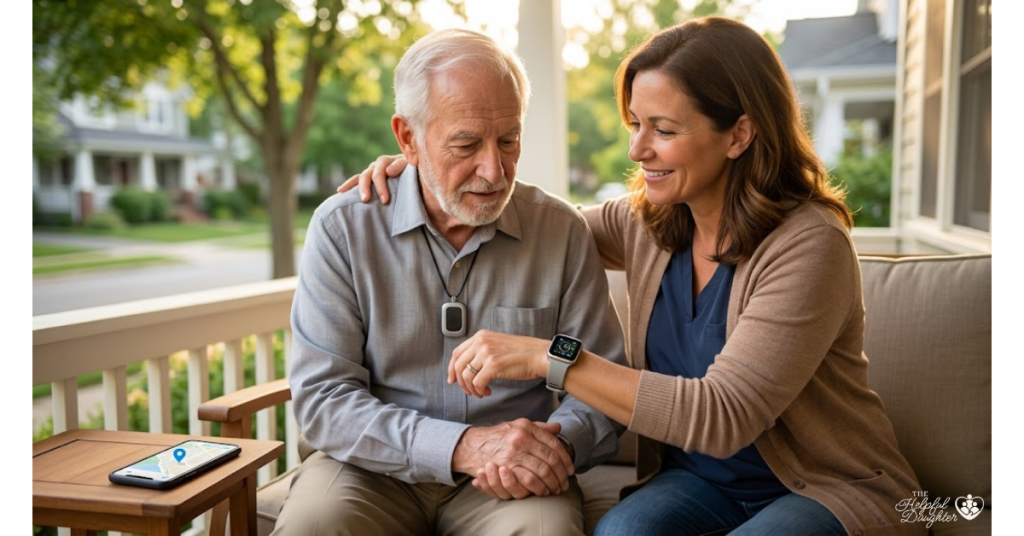
Few experiences match the heart-stopping panic of realizing an aging parent or loved one has wandered away, gotten lost, or failed to return from a routine walk. For families navigating cognitive conditions like Alzheimer’s, dementia, or general age-related frailty, balancing a senior’s safety with their desire for independence is an ongoing tightrope walk.
Fortunately, modern assistive technology has stepped into the gap. A reliable gps tracking device for elderly family members serves as an invisible safety net—giving you real-time location visibility and giving them the freedom to move about their community safely.
This guide breaks down exactly how these devices work, how to choose the right form factor, and how to gently introduce one to your parent without compromising their dignity.
The Core Features of an GPS Tracking Device For Elderly
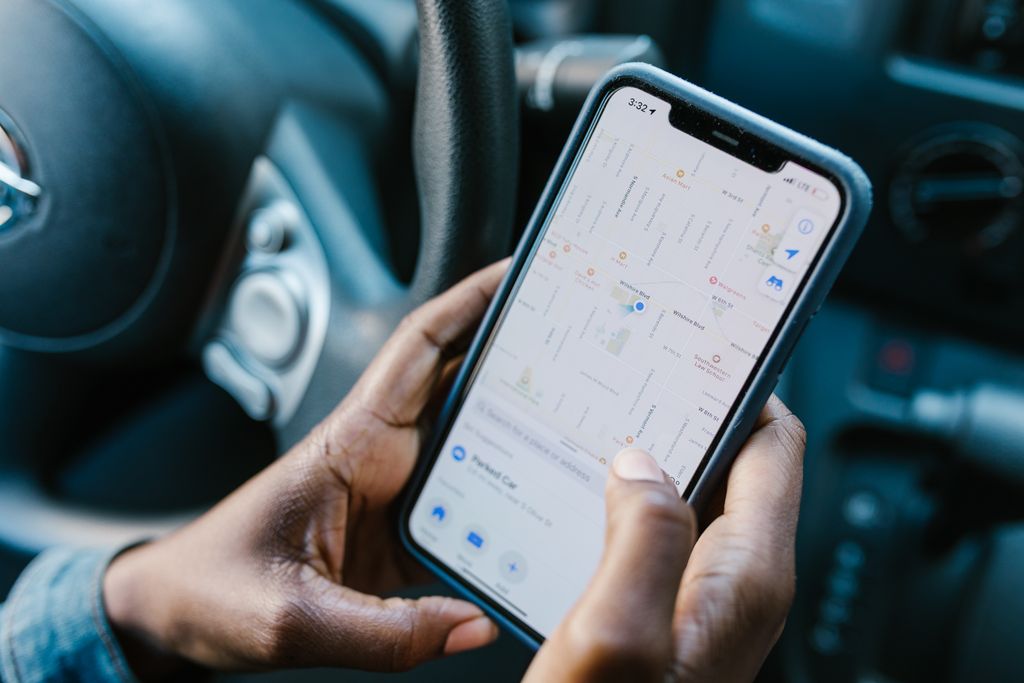
Not all trackers are built the same. While a standard bluetooth tag might help you find your car keys in the living room, a true senior-focused GPS tracker uses a combination of Global Positioning System (GPS) satellites and cellular networks to provide pinpoint accuracy anywhere outdoors.
When comparing your choices, focus on these five essential, care-focused features:
1. Real-Time Location Tracking & Cellular Connectivity
The device must have an independent cellular connection (usually requiring a modest monthly subscription). This allows it to broadcast its live coordinates directly to an app on your smartphone, even if your parent is miles away from home.
2. Geofencing (Smart “Safe Zones”)
Geofencing allows you to draw a virtual boundary on a digital map around your parent’s home, neighborhood, or senior center. The moment the device crosses outside that designated “safe zone,” your phone receives an immediate push notification or text alert. This allows you to step in before they wander too far or enter a dangerous area.
3. Fall Detection Integration
Many advanced senior trackers feature built-in accelerometers that can detect the distinct gravitational drop of a sudden fall. If a fall occurs, the device can automatically alert you or a professional monitoring center—critical if your parent is disoriented or unable to push a button.
4. Two-Way Assistive Voice Communication
Premium trackers feature a built-in speaker and microphone. If your parent is lost or confused, you can call the device directly. Specialized senior models often include an “auto-pickup” feature, meaning the device will answer the call out loud automatically, allowing you to soothe your parent or speak directly to a helpful bystander standing near them.
5. Tamper-Resistant or Discreet Placement
Seniors with cognitive decline may experience tactile sensitivity or confusion, leading them to remove and discard unfamiliar items. High-risk wandering trackers often feature specialized locking wristbands or can be integrated invisibly into daily items they never forget, like shoe insoles.
Form Factors: Which Style Fits Your Parent’s Lifestyle?
Choosing the right type of tracker depends heavily on your parent’s daily habits, physical abilities, and cognitive status
Smartwatches & Wristbands
Best for active seniors or those in the early stages of dementia.
The Good: Looks just like a normal watch, making it easy to wear daily. Includes an easily accessible SOS button for emergencies.
The Catch: Requires regular charging (usually every 24–48 hours) and can be easily taken off unless a specialized locking band is used.
Examples: Tranquil, AngelSense Watch
Discreet Pendants & Mini Pockets
Best for seniors who dislike wearable technology or traditional wristwatches.
The Good: Tiny, lightweight, and versatile. It can be tucked into a purse, clipped securely to a belt, or worn discreetly as a necklace.
The Catch: Easy to forget or accidentally leave behind if they switch jackets, bags, or pants.
Examples: MGMini, Tracki
GPS Shoe Insoles
Best for seniors with moderate-to-late stage dementia who are at a high risk for wandering.
The Good: Completely invisible and virtually impossible to forget, as long as they are wearing their shoes.
The Catch: No manual SOS button or two-way voice communication. Shorter battery life and limited strictly to that specific pair of shoes.
Examples: GPS SmartSole
At-a-Glance Comparison
| Style | Best For | Key Advantage | Main Drawback |
|---|---|---|---|
| Smartwatches | Active / Early-stage | Familiar design, SOS button | Frequent charging |
| Pendants | Dislikes wristwear | Small, highly versatile | Easy to leave behind |
| Shoe Insoles | High-risk wandering | 100% invisible, unforgettable | No voice/SOS talk |
The AirTag Caveat: Is a Bluetooth Tag Enough?
Many families initially reach for consumer Bluetooth trackers like Apple AirTags or Tile chips because they are inexpensive and don’t require a monthly fee. While they are fantastic for finding wallets or keys, they are not reliable primary safety devices for vulnerable adults.
Bluetooth trackers do not have independent GPS or cellular chips. They rely entirely on passing close enough to other smartphones within that specific brand’s network to ping a location. If your parent wanders into a quiet park, a suburban trail, or a rural area where no one is nearby with a compatible smartphone, the location data freezes. For safety-critical situations, a dedicated, cellular-connected GPS tracker is always recommended.
How to Introduce a GPS Tracker with Dignity

Introducing surveillance tech to a parent can feel uncomfortable, and it’s completely normal to worry about invading their privacy. To make this transition smooth, focus on framing the device in terms of freedom and peace of mind rather than restrictions.
- Highlight the Independence: Instead of saying, “I need this to track you because you get confused,” try framing it as an empowerment tool: “This tiny device ensures that if you ever need a hand while out on your walks, I can see exactly where you are and come pick you up right away. It lets us both feel confident about you staying active.”
- Involve Them in the Choice: If they are in the early stages of care, let them choose the style. Ask if they prefer a classic-looking watch face, a simple clip-on device, or a discreet pendant.
- Make It Part of the Routine: Anchor the device to an existing habit. Place the charging dock right next to their eyeglasses, wallet, or house keys. Label it clearly as part of their “going out” routine.
Frequently Asked Questions: Senior GPS Tracking
Do GPS tracking devices for seniors work indoors?
Standard GPS technology requires a clear line of sight to satellites in the sky, meaning signals can sometimes become spotty or inaccurate inside large concrete or metal buildings. To solve this, advanced senior trackers use a fallback system called cellular and Wi-Fi triangulation. By scanning for nearby local Wi-Fi routers and cell towers, the device can estimate an indoor location even when a direct satellite signal is blocked.
How long do the batteries typically last?
Battery life varies drastically based on how frequently the device updates its location. Smartwatches or highly active real-time trackers usually need to be charged every 24 to 48 hours. However, some minimalist trackers designed with larger batteries or lower update frequencies can last anywhere from 5 days to a full week on a single charge.
Is it legal or ethical to use a tracker without a parent’s explicit consent?
This is a nuanced question that depends entirely on your parent’s cognitive capacity. If a senior is mentally competent, using a tracking device without their knowledge or consent is an invasion of privacy. However, if a parent has been diagnosed with advanced cognitive decline (such as Alzheimer’s or dementia) and lacks the capacity to understand safety risks, caregivers have an ethical and legal duty to protect them from life-threatening situations like freezing temperatures or traffic accidents. If you hold Medical Power of Attorney or legal guardianship, implementing a safety tracker falls well within your caregiving scope.
Are these devices covered by Medicare or insurance?
Traditional Medicare (Part A and B) generally classifies GPS tracking devices as “convenience items” rather than durable medical equipment (DME), meaning they rarely cover the upfront cost or monthly service fees. However, some Medicare Advantage (Part C) plans or specific long-term care insurance policies offer flexible wellness or safety allowances that may reimburse you for personal emergency response systems (PERS) or tracking devices. It is always worth calling your provider to check for available safety tech waivers.
This article is for informational and educational purposes only. While GPS tracking devices are invaluable tools for enhancing senior safety and reducing wandering risks, no technology is entirely fail-proof. Cellular dead zones, depleted batteries, and software glitches can occur. GPS tracking should complement, not replace, a comprehensive, multi-layered senior care plan and appropriate human supervision. Always consult with a primary care physician, geriatric care manager, or local memory care specialists to tailors safety strategies to your loved one’s unique medical needs.